From the app
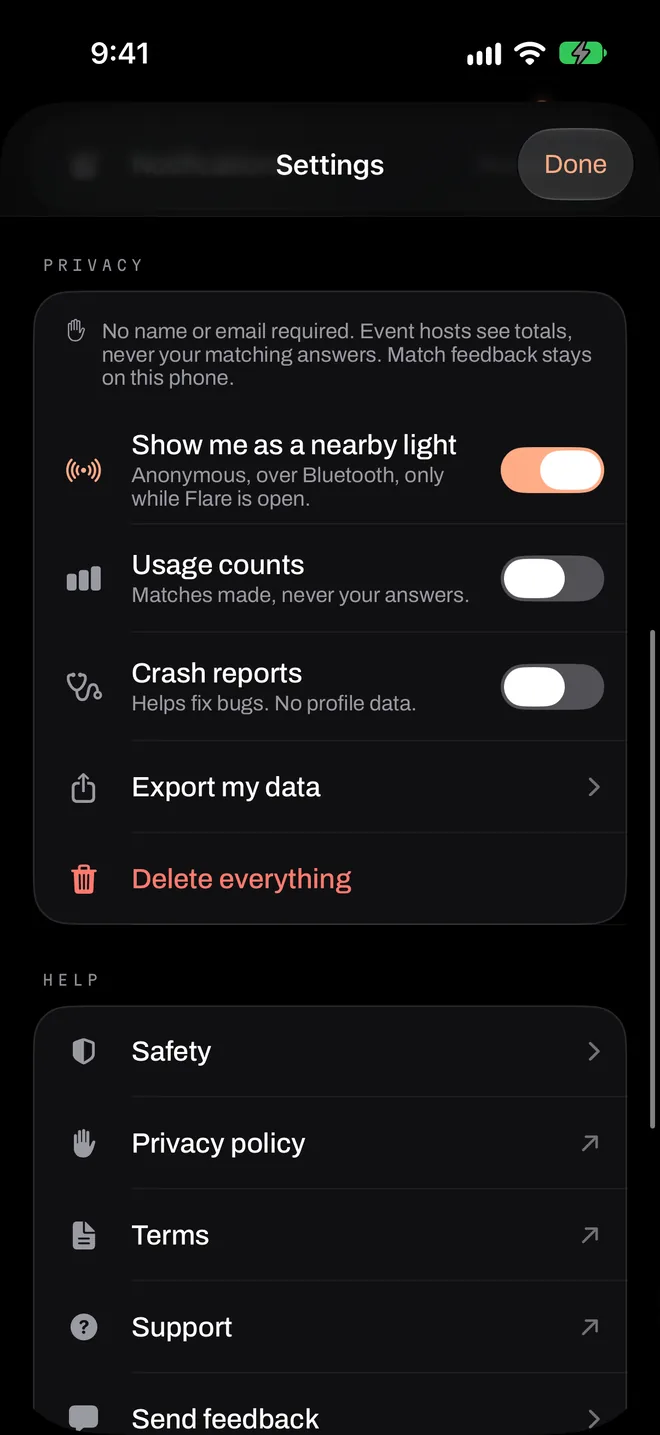
- On the home screen, tap the ••• button at the top right.
- Tap Settings.
- Under Privacy, tap Delete everything, and confirm.
This can’t be undone. If you’d like a copy first, tap Export my data.
What it removes
- Your device record, notification tokens and any presence in an event room.
- Your record of match outcomes.
- Your profiles, connections and settings on the phone.
- If you’re a host: your hosted events (they end if they’re live), saved templates and our event purchase records.
What stays, and why
- Blocks and reports, stored as one-way hashes, for up to a year. They protect other people, so they outlast the device.
- Event-scoped hashed check-in and exclusion records, until that event ends.
- Anonymous totals, such as an event’s count of introductions. They aren’t linked to you.
- Apple’s records of any purchase. Apple keeps these separately under its own policies.
If you’ve already deleted the app
Answers from an event are deleted automatically when the event ends, or within 12 hours at most. Your device record holds no name, email or phone number, and we can’t look it up by anything you could tell us, so we can’t delete it for you after the app is gone. If that’s a concern, reinstalling won’t help either, because a reinstall counts as a new device. Write to privacy@downloadflare.app and we’ll help however we can.
Leaving one event
You don’t need to delete anything to leave. Turning off your flare or leaving an event removes your answers from that event’s room straight away.
Read the full privacy policy.