The three things you can share
| What | What it does | Where it goes |
|---|---|---|
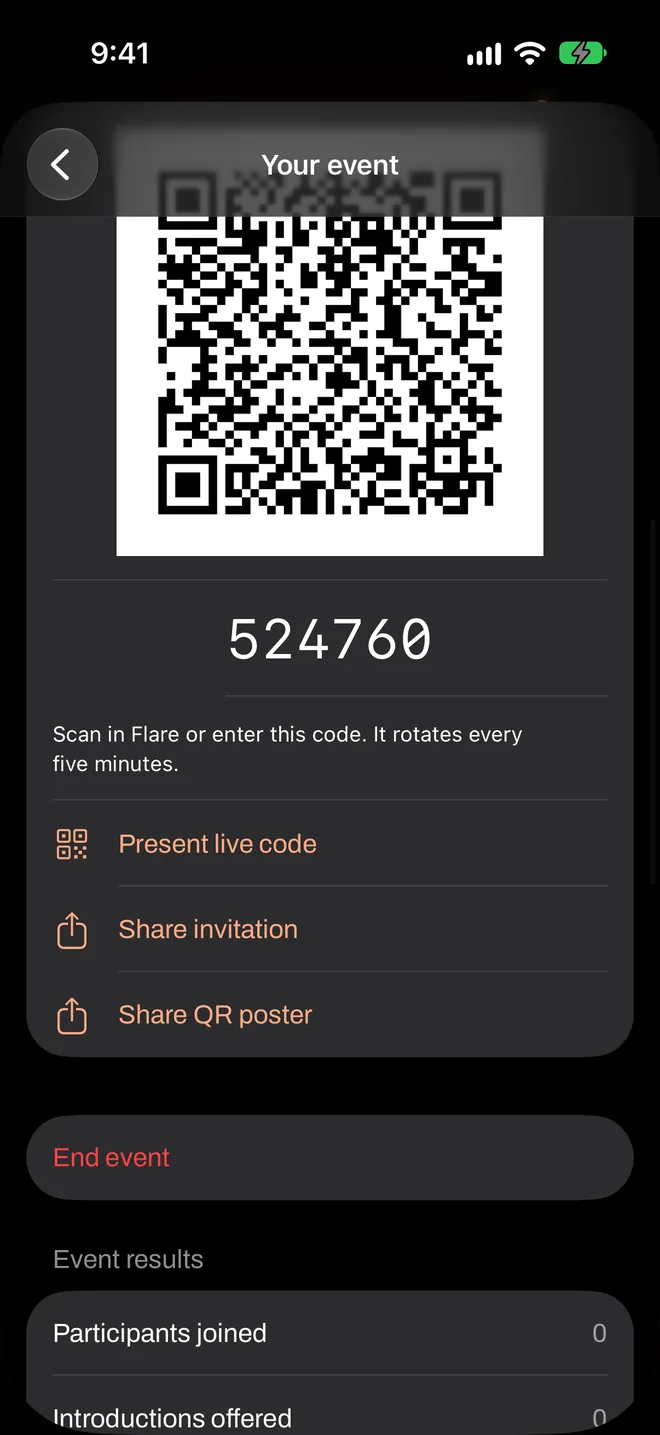
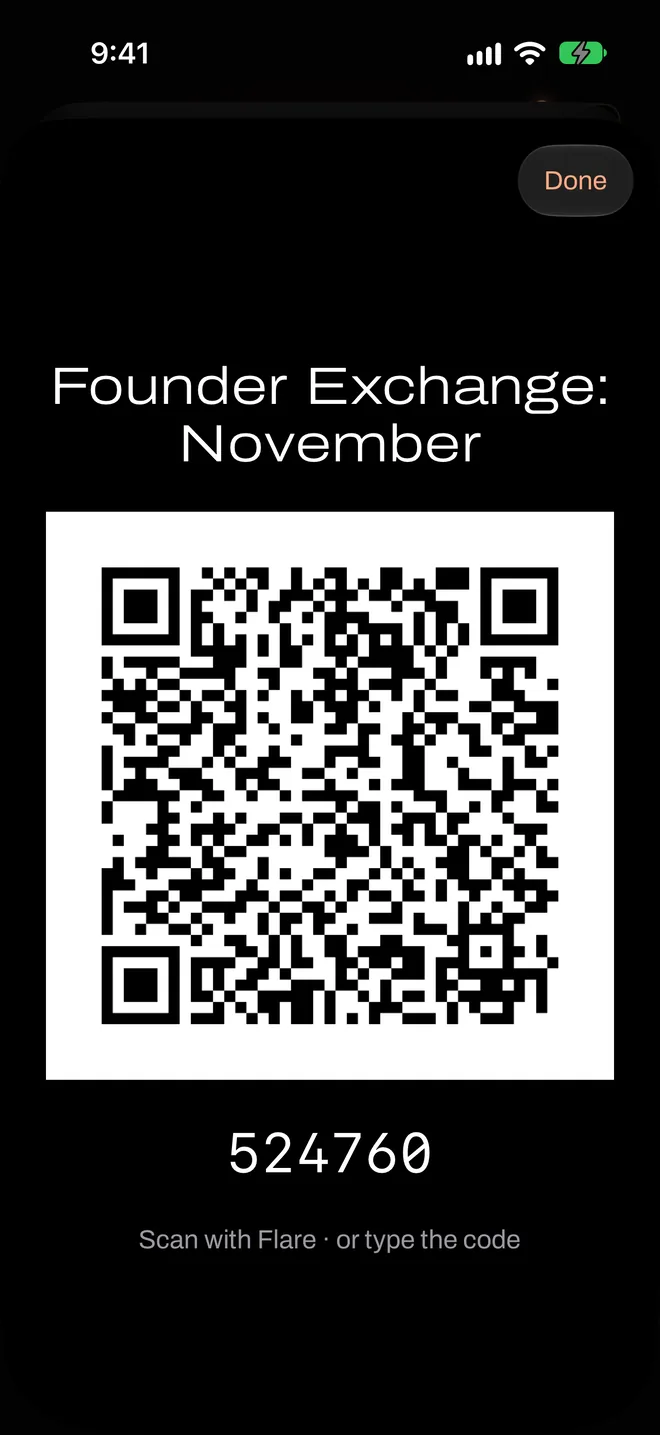
| Live code | Lets a guest join. The QR and six digits change every five minutes. | On a screen in the room only. Don’t post a photo of it. |
| Invitation | A link to your event’s page, so people can get the app ahead of time. | Email, social posts, ticket confirmations. |
| QR poster | A printable image that identifies the event. It gets people the app, but they still need the live code to join. | Print it for the entrance, tables and bathroom doors. |
Before the night
Send the invitation early and ask people to install Flare before they leave home. Installing is the slowest part of check-in, especially on venue Wi-Fi, and it’s the part you can move out of the room. A line you could use:
We’re using Flare to make introductions on Thursday. It’s free. Please install it before you come, and you’ll scan in at the door.
On the night
- Show it big. Tap Present live code and mirror it to a TV with AirPlay. If you don’t have one, stand a phone or tablet by the entrance.
- Turn the brightness up. Keep some space around the code. Glare and tight crops are the usual reasons a scan fails.
- Have the fallback ready. Six digits work everywhere the QR does, and they rotate at the same moment. Guests type them on the same screen. You can write “ask us for today’s code” on a sign.
- Post the Wi-Fi. Every guest needs a connection to join.
- Put a person near the code for the first half hour. Someone who’s done it before saves everyone else from reading instructions.
What your guests do
A guest who scans with the regular Camera app reaches your event’s page, which tells them how to finish in Flare. The quickest way is to open Flare, tap Light my flare and scan from there. Here’s the guest’s version, which you can send them.
A rule worth keeping
Keep the live code in the room. If you share it online, people outside the venue could join until it rotates, and that’s what the rotation is there to prevent.