For organizersConference receptions and side events
The hallway track, on purpose.
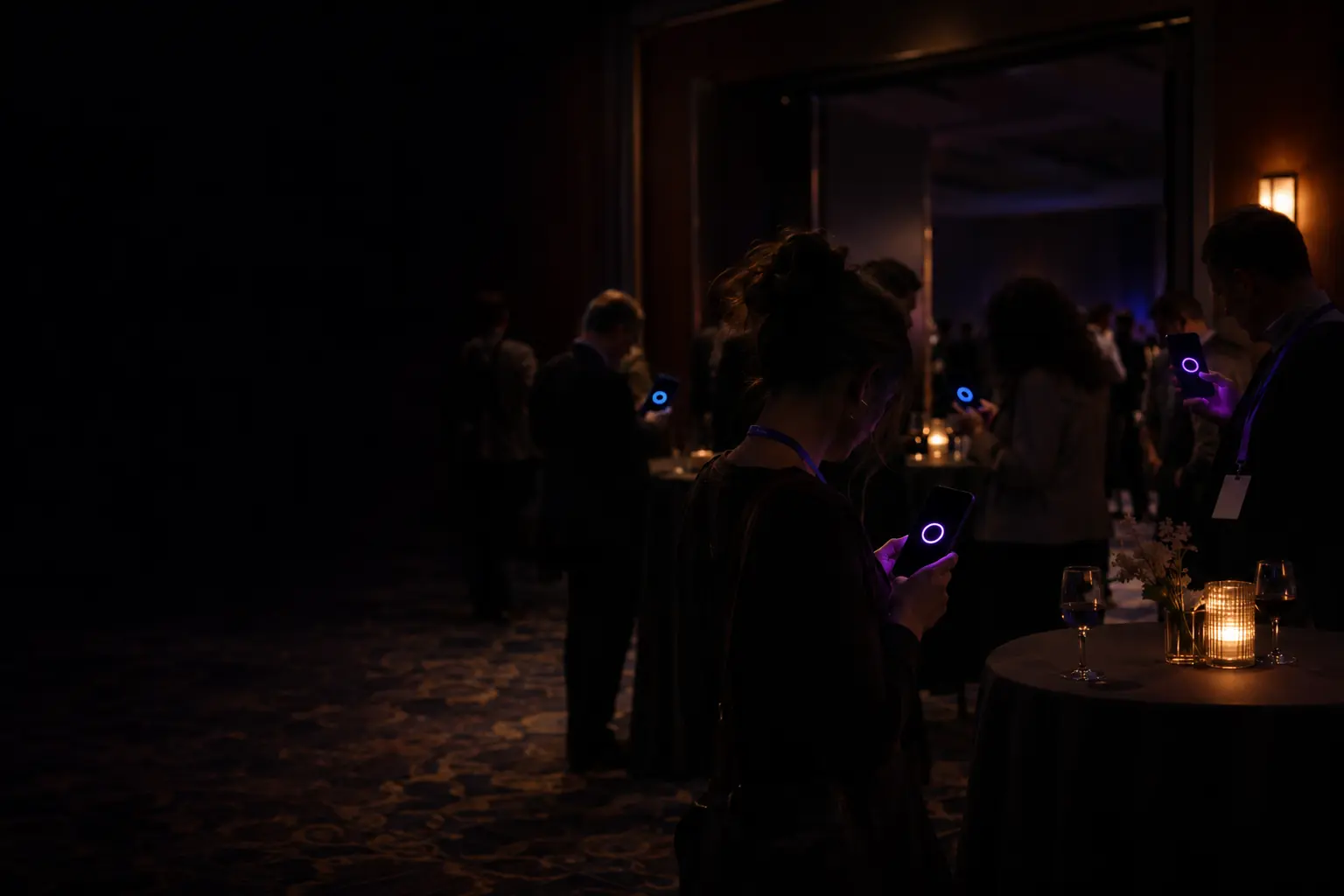
People come to conferences for each other as much as the talks, then spend the reception with their own colleagues. Flare gives your reception or side event real introductions, with no attendee app to roll out and no contact data changing hands.
A reception of up to 250 costs $299.99, once. Smaller side events start at $29.99.
Colleagues stick together
Teams that flew in together stand together, and the room you paid for never mixes.
Event apps go unopened
A matchmaking feature inside a big event app gets used by very few of the people in the room.
Reception badges say too little
A company and a job title rarely tell you who you should actually talk to.
After the last session, teams stand with teams.
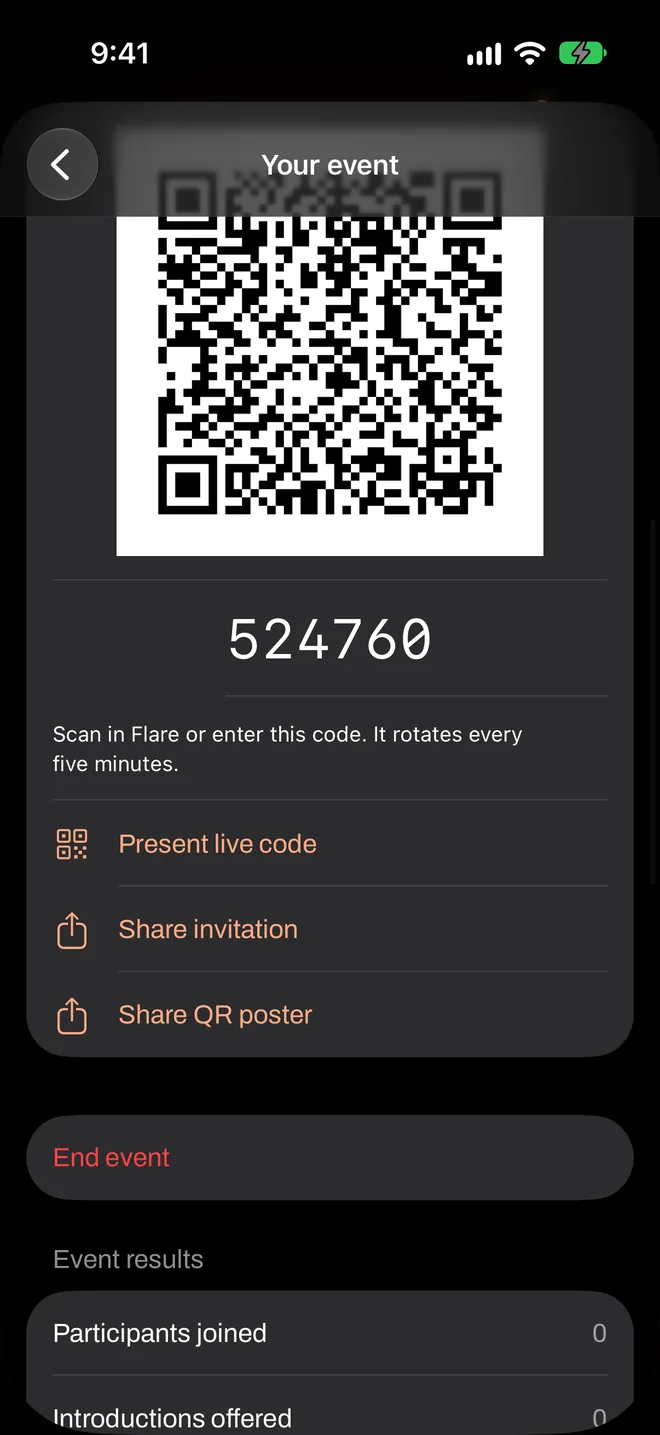
One code at the door. Three questions.
Flare reads the whole reception at once.
People cross the room to meet someone new.
Questions you could use tonight.
Flare only knows what you ask. Here’s a starting template for this kind of event, and why each question is there. Copy it, then change whatever doesn’t sound like your crowd.
Day One Reception
Live now
Opening reception
These answers are for this event. They don’t change your personal profile, and the host can’t read them.
What would you most like to learn this week?
Scaling infrastructure
AI in production
Hiring engineers
Selling to enterprises
What could you teach someone?
Scaling infrastructure
AI in production
Hiring engineers
Selling to enterprises
How do you like to talk shop: big picture (1) or in the weeds (5)?
Big pictureIn the weeds
What would you most like to learn this week?
Needs and offeringsHigh importanceMultiple choice
Paired with what others can teach, in both directions.
What could you teach someone?
Ask onlyMultiple choice
Uses the same choices, which the rule above requires.
How do you like to talk shop: big picture (1) or in the weeds (5)?
Similar answersNormal importanceScale of 1 to 5
Pairs people who’ll enjoy the same depth of conversation.
Write your questions around the themes of the event. Topics from your own agenda make better answer choices than generic ones.
How the night runs.
You start the event from your own iPhone and put the code where guests can see it. Everything after that happens on their phones.
- 17:30
Last session ends. The code is on the screens outside the ballroom and on a slide in the closing talk.
- 17:45
Reception opens. Attendees scan in with a drink in hand.
- 18:00
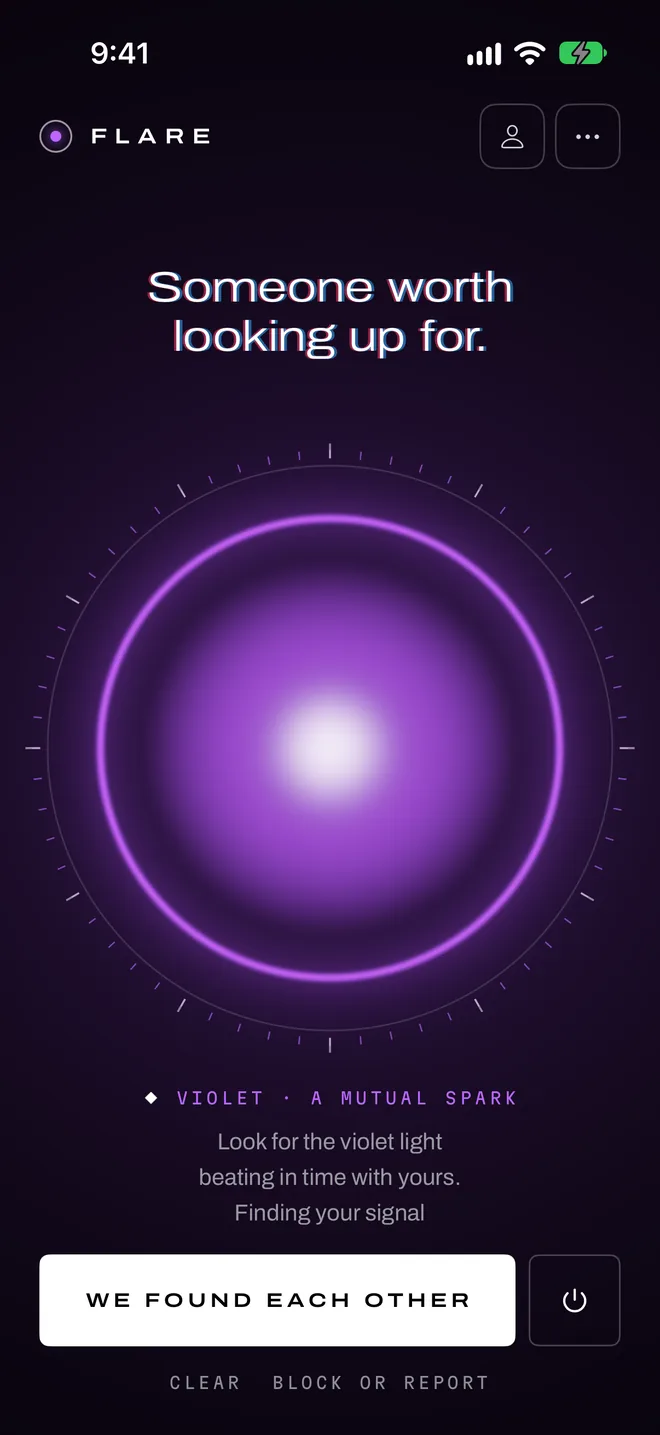
A line from the emcee, and flares go on.
- 18:05
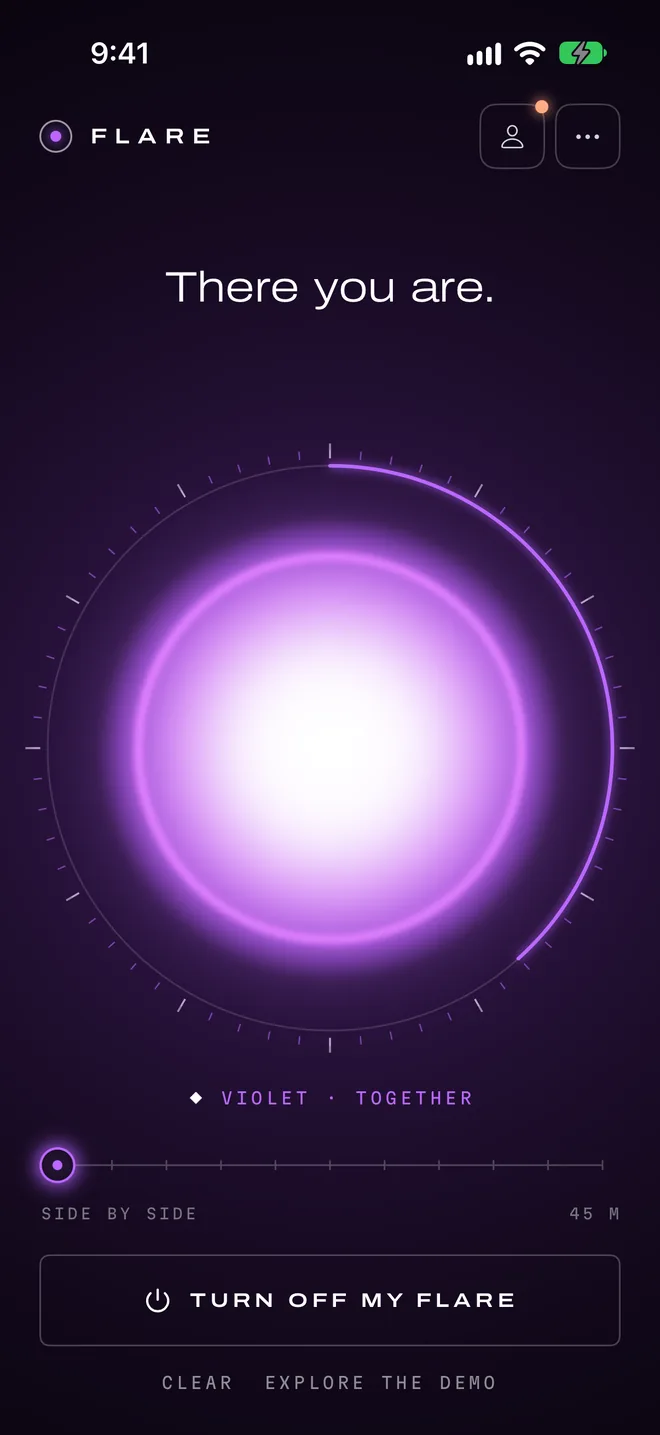
First introductions. Colleagues split up without being told to.
- 19:30
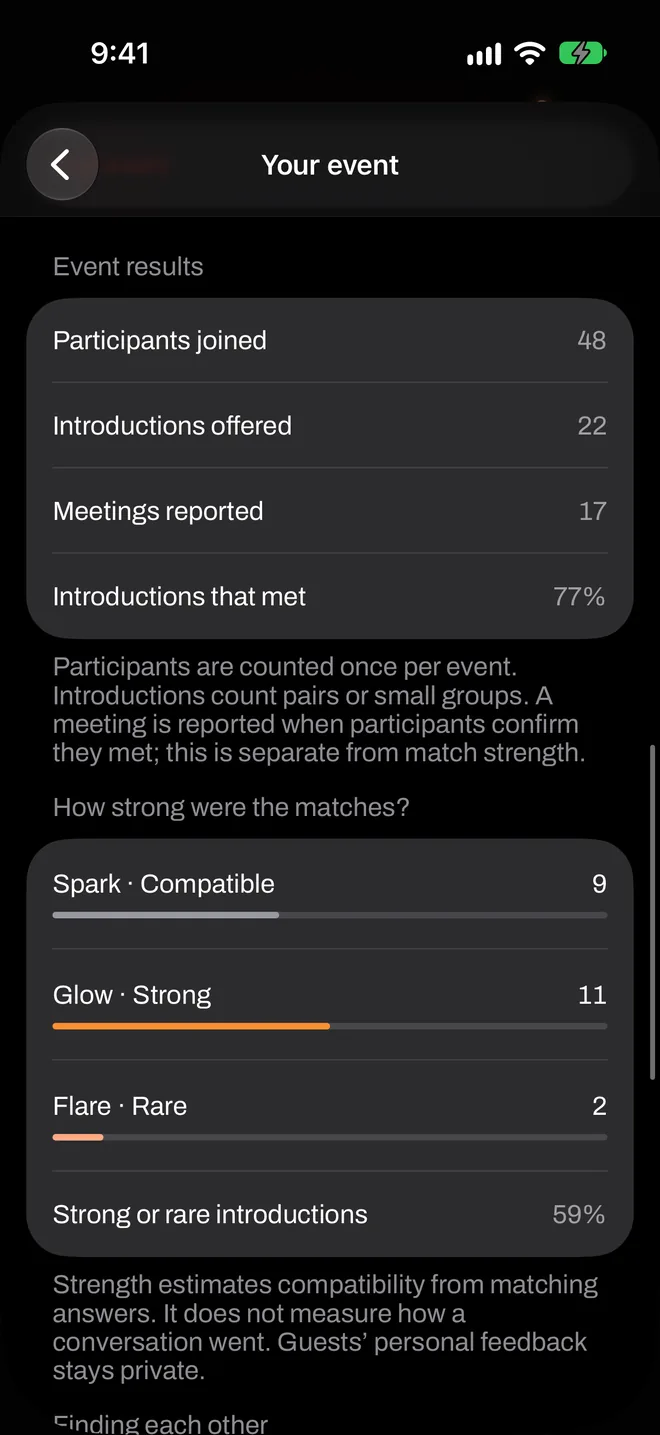
End the event. The totals are yours for the post-event report.
What it looks like on the phones.
Real screens from the app, in the order they come up.
Is it right for your event?
It tends to suit
- Receptions, side events and meetups of up to 250
- Conferences where attendees don’t already know each other
- Organizers who don’t want to roll out another app account
It’s probably not for
- Events above 250 in one room, for now
- Rooms with lots of Android users: guests need an iPhone
- Lead retrieval for sponsors: Flare holds no attendee data
Pay once, for this event.
A reception of up to 250 costs $299.99, once. Smaller side events start at $29.99.
No subscription and no per-match fee. Guests never pay.
What organizers ask.
Will this work for our whole conference?
Do attendees need to create an account?
What about venue Wi-Fi?
Does it need a poster or a screen?
Try it with ten people, for free.
A rehearsal is a real event. Round up some friends, run it once, and see how it feels before you put it in front of a room.