For organizersNetworking mixers
The right introductions, without working the room.
Flare asks each guest what they need and what they can offer, then introduces them to someone who fits in both directions. Nobody has to work the room, and nobody gets stuck all night with the first person they met.
A mixer of up to 50 costs $79.99, once. Up to 100 costs $149.99.
The bold get all the value
A few confident people meet everyone. The person you most wanted to help stands near the door checking email.
Clusters harden fast
By the second drink, the room has sorted itself into people who already know each other.
Nobody knows who’s here
Name tags tell you a company. They don’t tell you who’s hiring, who’s looking, or who solved your exact problem last year.
Twenty minutes in, the room has sorted itself into cliques.
Guests say what they need and what they can offer.
Flare checks both directions across the whole room.
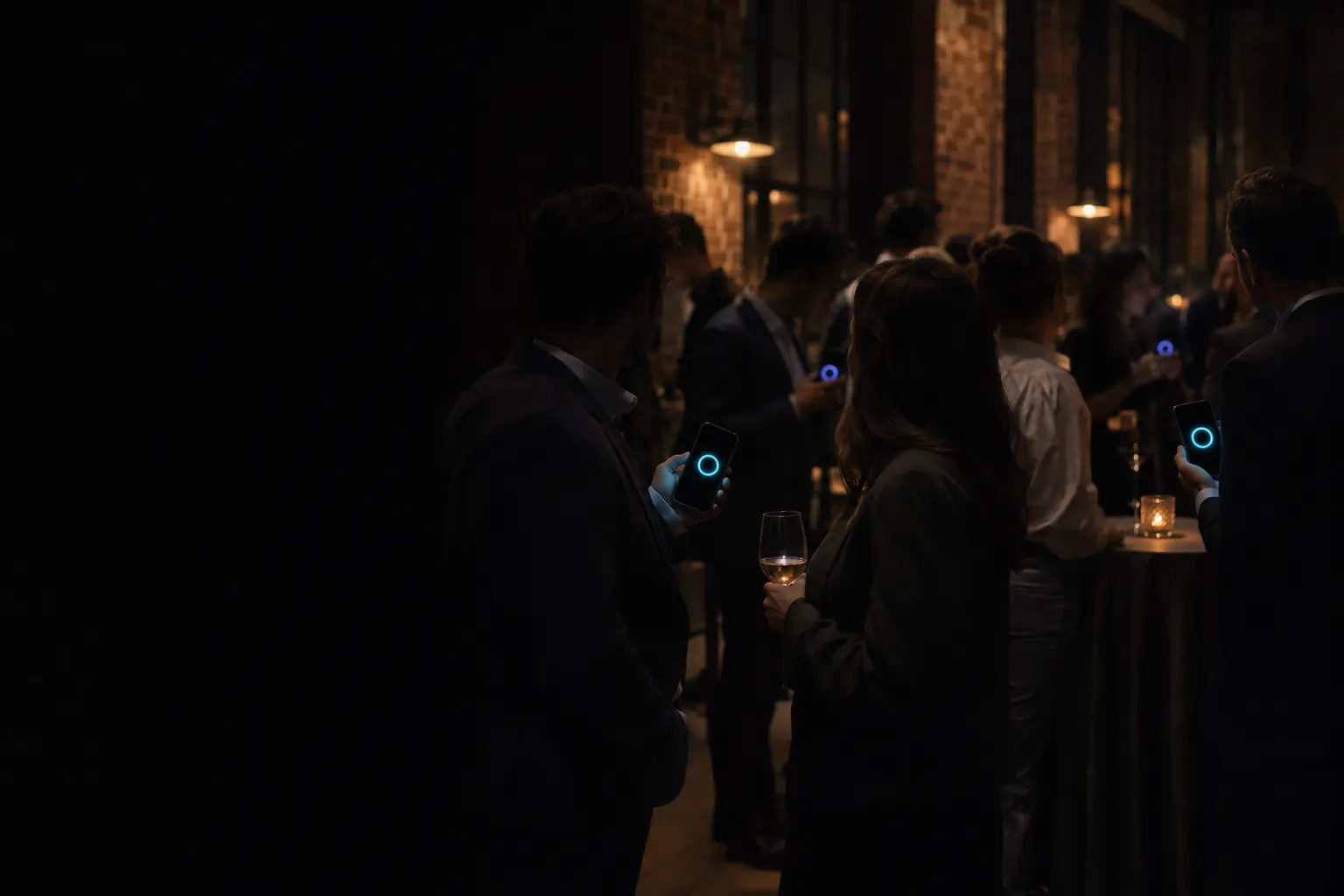
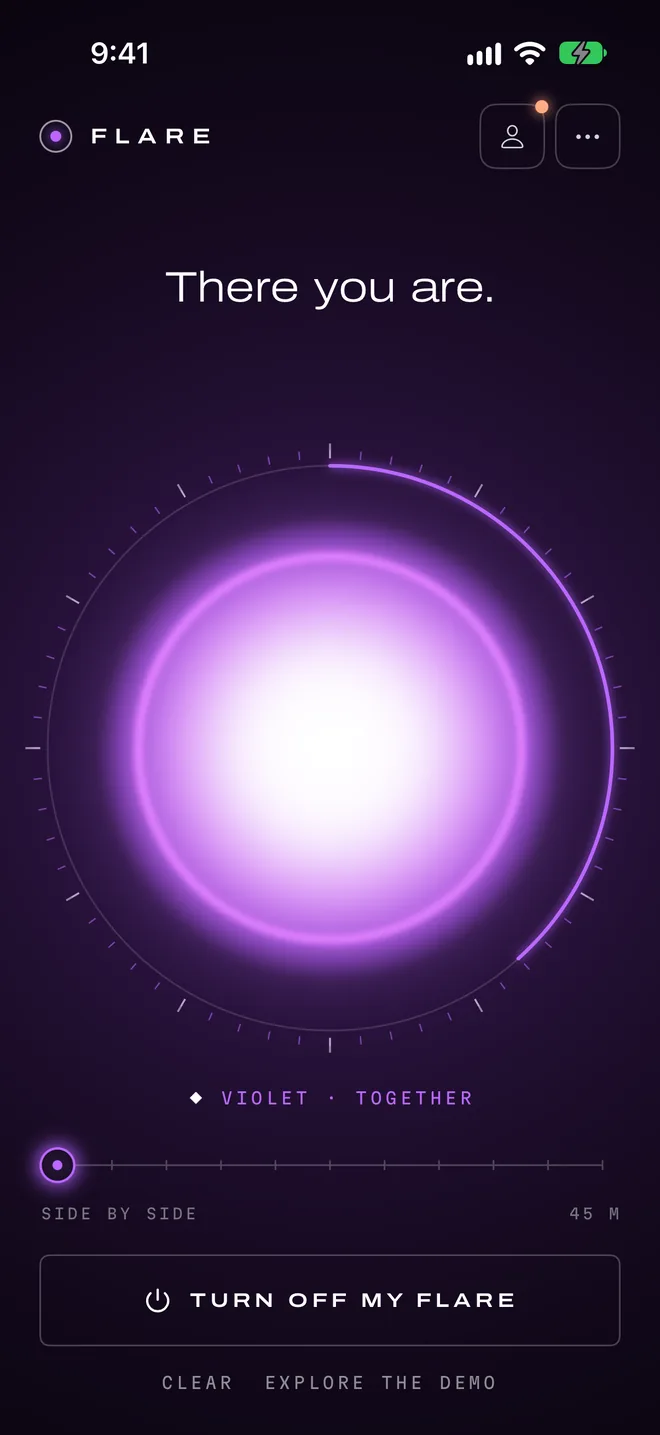
Two phones light up. A useful conversation starts.
Questions you could use tonight.
Flare only knows what you ask. Here’s a starting template for this kind of event, and why each question is there. Copy it, then change whatever doesn’t sound like your crowd.
Tuesday Mixer
Live now
Professional mixer
These answers are for this event. They don’t change your personal profile, and the host can’t read them.
What would you like help with?
Finding clients
Hiring
Funding
A career move
What could you help someone with?
Finding clients
Hiring
Funding
A career move
What would you enjoy discussing?
Building teams
Early customers
Product design
Going independent
What would you like help with?
Needs and offeringsHigh importanceMultiple choice
Paired with the next question. This is the rule that makes the introduction useful.
What could you help someone with?
Ask onlyMultiple choice
Same answer choices, so Flare can compare them. It’s the other half of the rule above.
What would you enjoy discussing?
Shared answersNormal importanceMultiple choice
Gives the pair something to talk about beyond the ask.
Needs and offerings compares two questions that share the same answer choices, in both directions. Someone seeking clients meets someone who can bring them, and the reverse.
How the night runs.
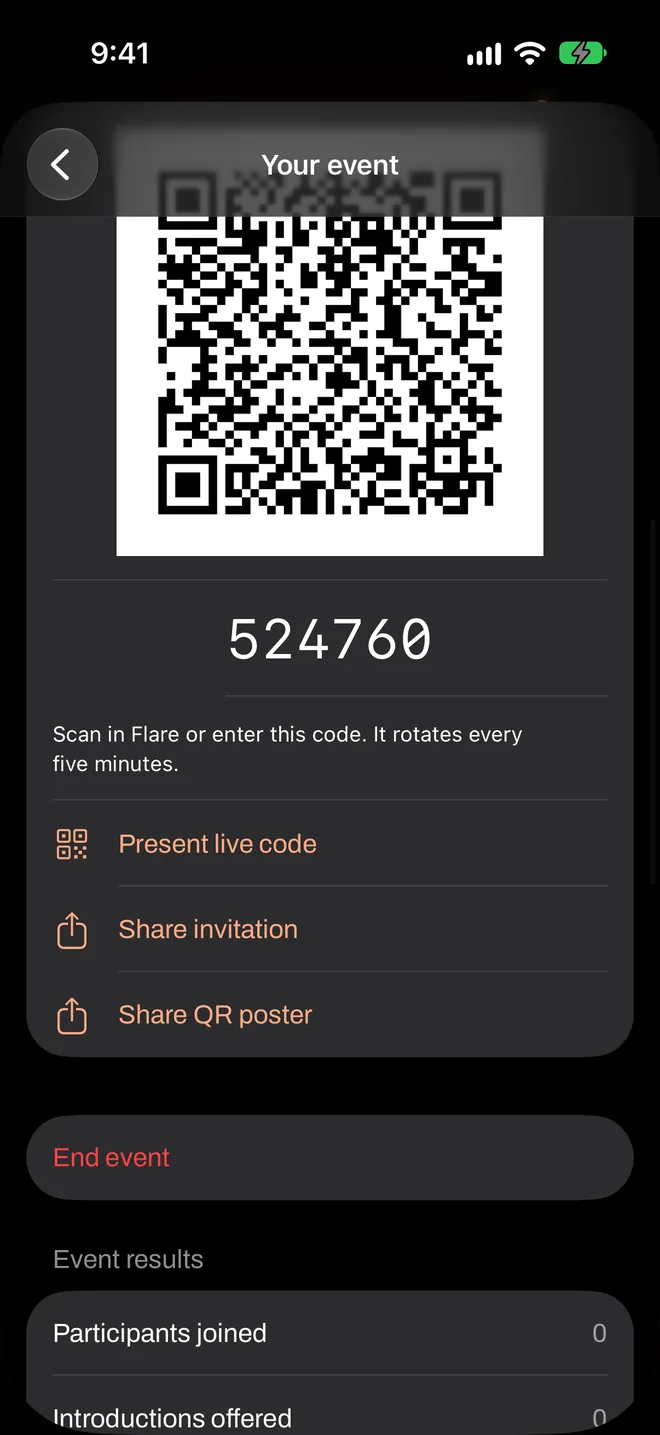
You start the event from your own iPhone and put the code where guests can see it. Everything after that happens on their phones.
- 6:00
Doors. Guests scan the code as they arrive and answer three questions before they’ve taken their coat off.
- 6:20
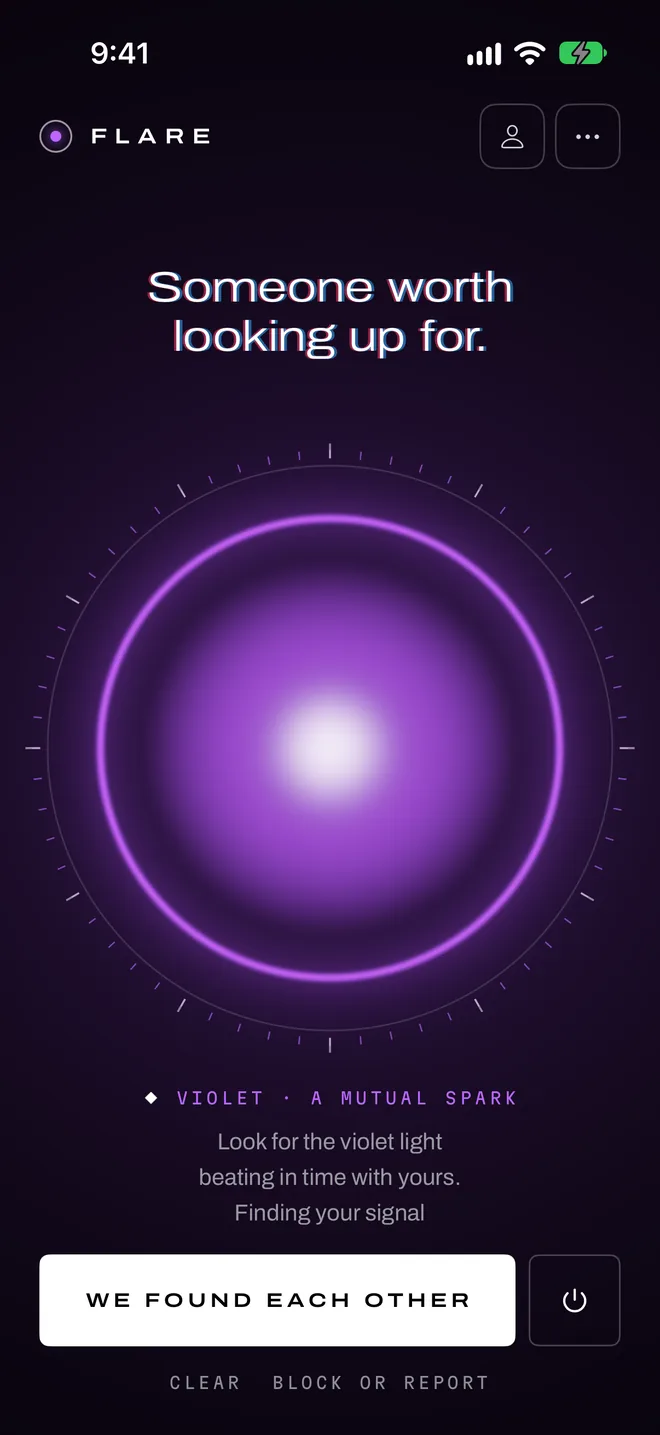
A short welcome: one sentence on the light, one on clearing a match. Flares on.
- 6:25
First introductions. The clusters start to break up without you asking anyone to move.
- 6:40
Rest ends for work events after 15 minutes by default, so people who’ve finished talking can get their next introduction.
- 8:00
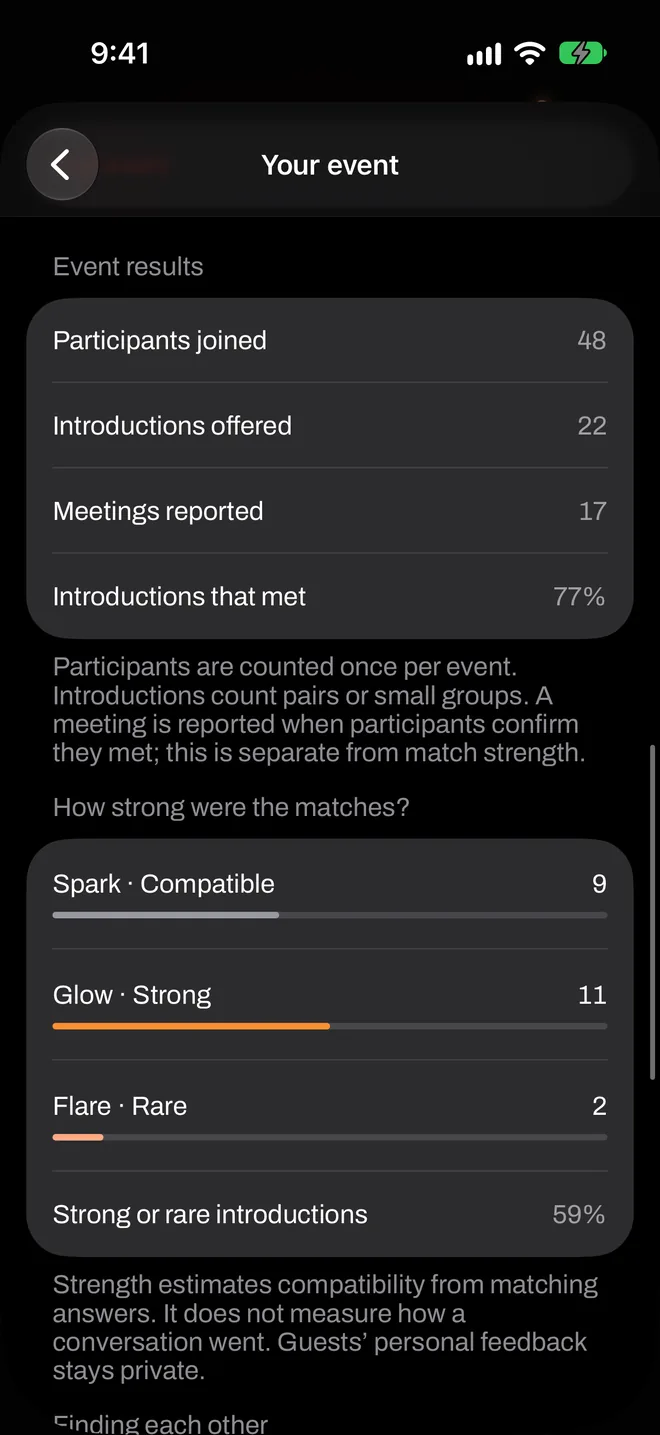
End the event, and share the totals with your sponsor or venue if you like.
What it looks like on the phones.
Real screens from the app, in the order they come up.
Is it right for your event?
It tends to suit
- Rooms where guests differ in what they need and offer
- Recurring mixers that want a reason for people to come back
- Organizers who’d rather not hand out an attendee list
It’s probably not for
- Events where sponsors expect a lead list: Flare has no attendee data to give them
- Very small groups who already know one another
- Crowds with many Android users
Pay once, for this event.
A mixer of up to 50 costs $79.99, once. Up to 100 costs $149.99.
No subscription and no per-match fee. Guests never pay.
What organizers ask.
Do guests exchange contact details through Flare?
Can a sponsor get the attendee list?
How many introductions does each guest get?
Can I change the answer choices?
Try it with ten people, for free.
A rehearsal is a real event. Round up some friends, run it once, and see how it feels before you put it in front of a room.