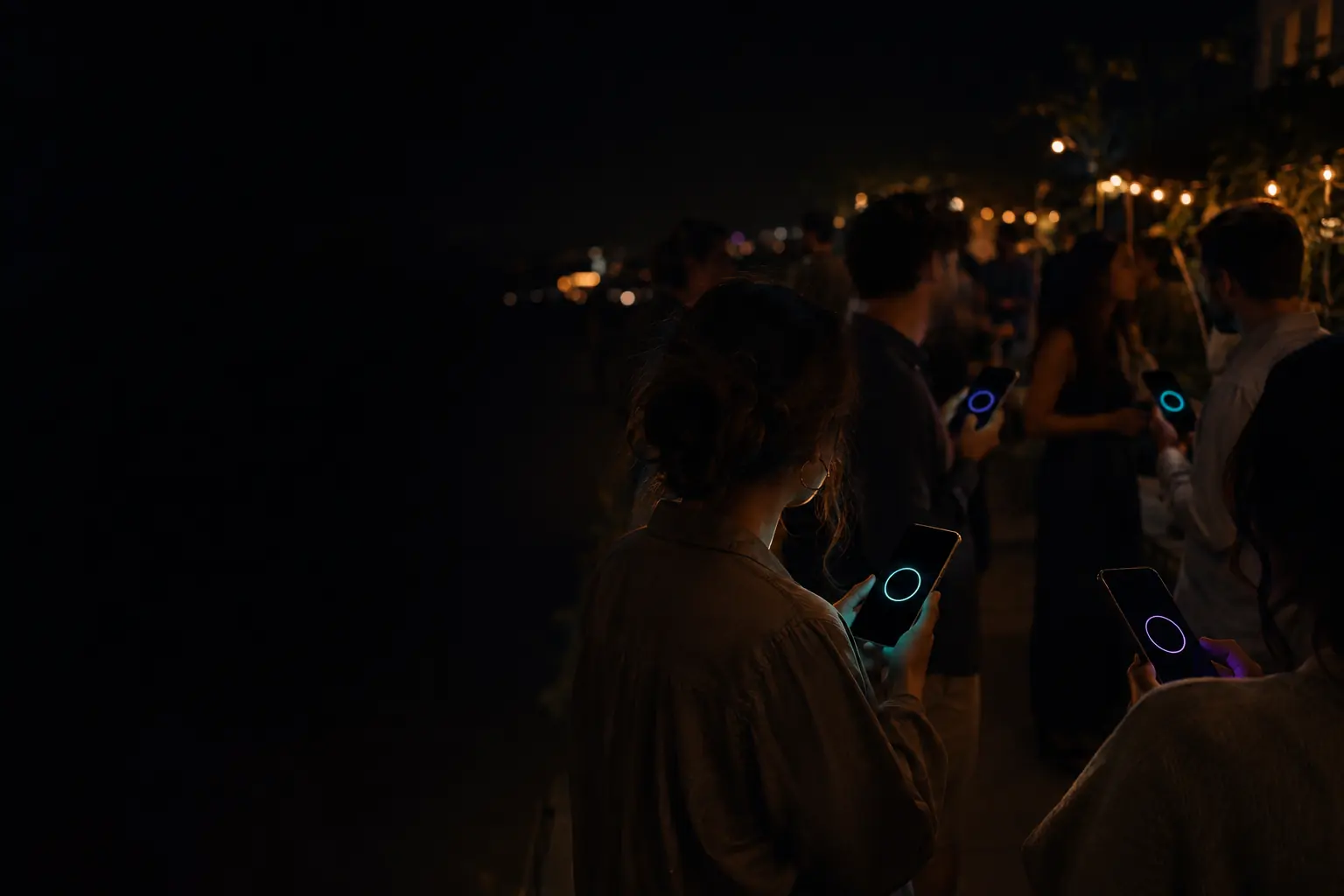
For organizersCompany offsites and socials
Introduce people who’d never otherwise share a meeting.
You flew everyone in so they’d meet, and they’re standing with their own team. Flare makes introductions across the company by what people know and what they’re curious about, with no HR data, no org chart, and no one watching who talked to whom.
A team social of up to 50 costs $79.99, once. A full offsite of up to 250 costs $299.99.
Teams stay in teams
Offsites cost a lot, and the social hour still looks like the org chart.
Forced fun backfires
Nobody asked for a human bingo card. Grown professionals can tell when they’re being managed.
New hires stay invisible
People who joined remotely last spring still know only their own team.
Each team stands with itself.
One code on the big screen, three quick questions.
Flare looks for people who should know each other.
Sales finds someone in engineering. On purpose.
Questions you could use tonight.
Flare only knows what you ask. Here’s a starting template for this kind of event, and why each question is there. Copy it, then change whatever doesn’t sound like your crowd.
Offsite: Tuesday Social
Live now
Meet someone new
These answers are for this event. They don’t change your personal profile, and the host can’t read them.
What would you like to understand better?
How we sell
How the product gets built
Our customers
Our data
What could you explain to someone over a drink?
How we sell
How the product gets built
Our customers
Our data
Which is closest to your weekend?
Outdoors
Kids
Cooking
Live music
Doing nothing
What would you like to understand better?
Needs and offeringsHigh importanceMultiple choice
Matches curiosity with expertise, across teams.
What could you explain to someone over a drink?
Ask onlyMultiple choice
Same answer choices, so both directions are checked.
Which is closest to your weekend?
Shared answersNormal importanceMultiple choice
A way into a conversation that has nothing to do with work.
Avoid questions about performance, pay, health or anything HR would flag. Keep to skills and curiosity, and remember nothing is shown to the other person or to you.
How the night runs.
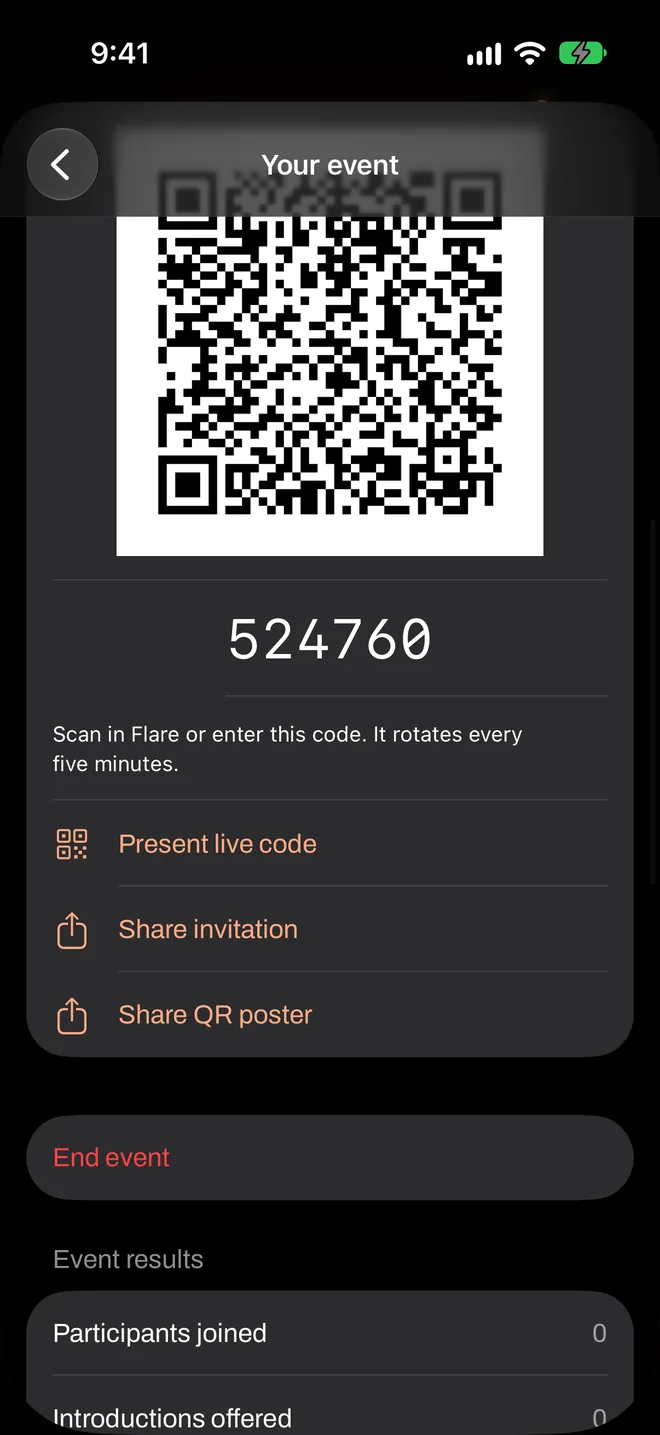
You start the event from your own iPhone and put the code where guests can see it. Everything after that happens on their phones.
- Before
Mention it in the offsite note, so people install the app beforehand.
- 18:00
The social opens. The code is on the big screen, or on the slide at the end of the last session.
- 18:15
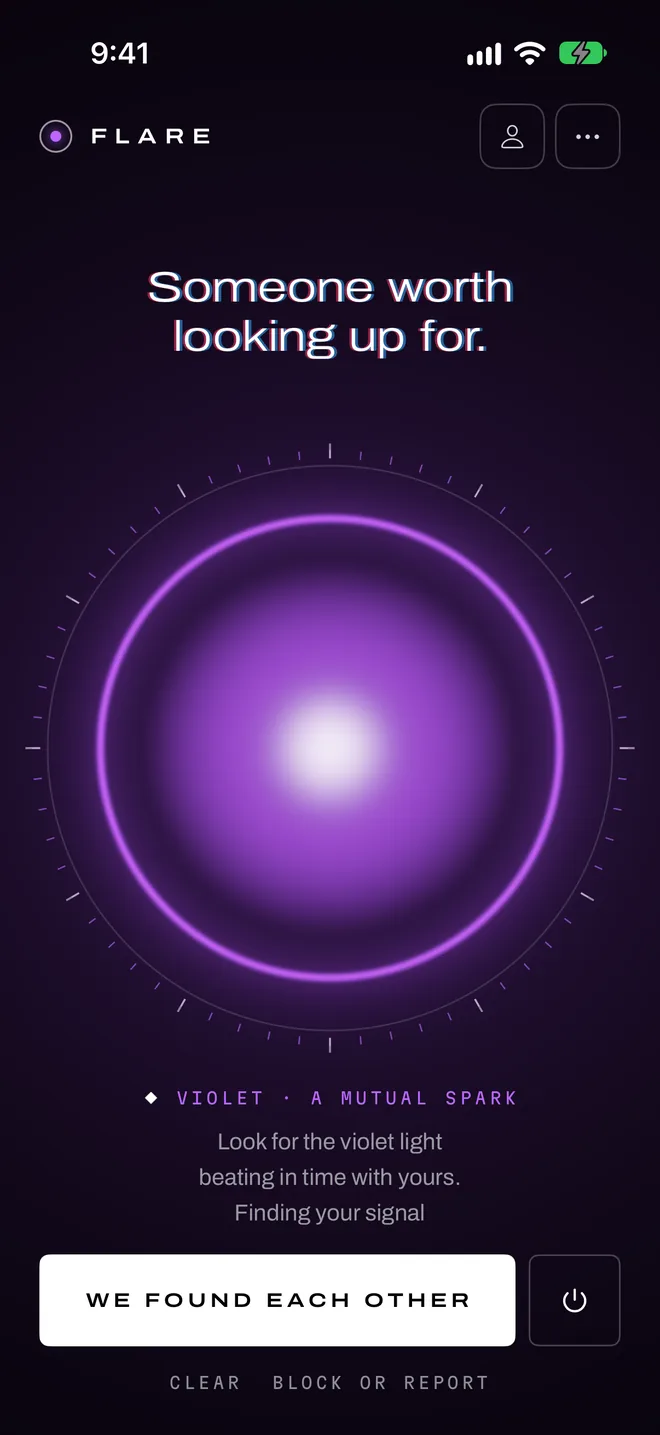
One sentence from a leader. Flares on.
- 18:20
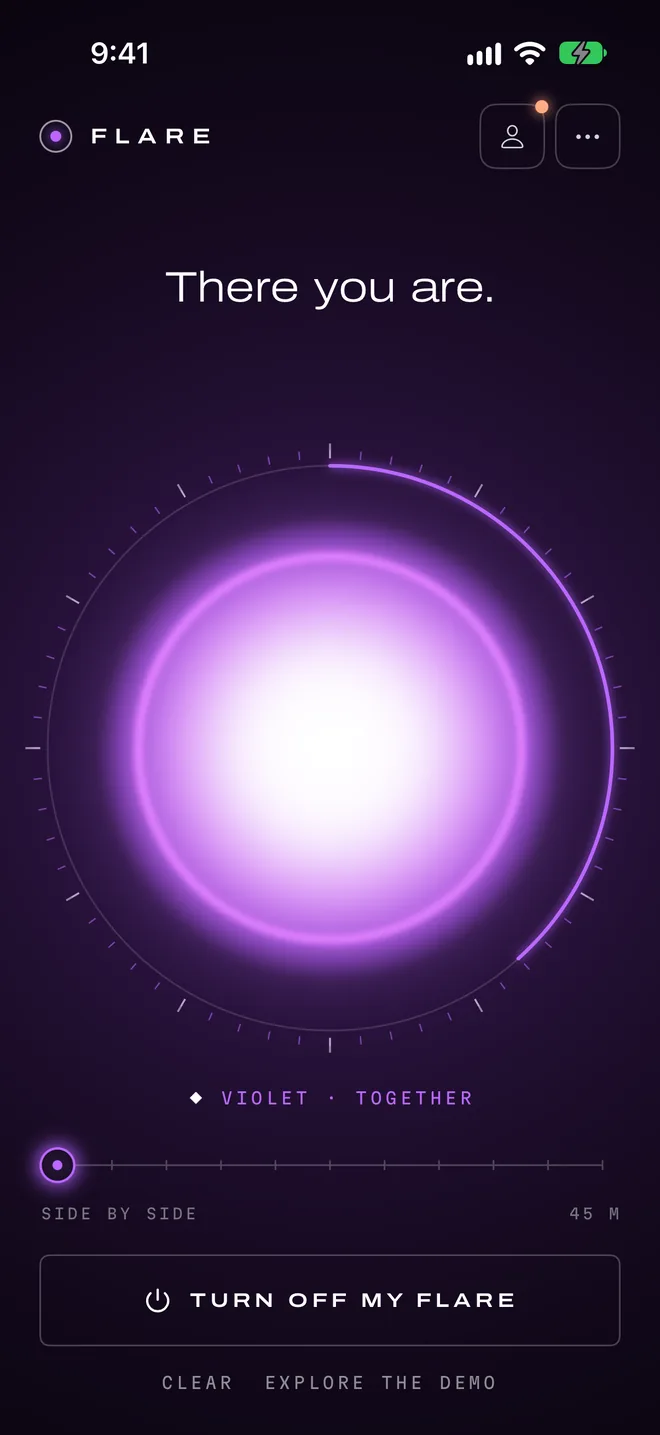
First introductions. People walk over to someone they’ve only seen on a video call.
- 19:30
End the event. Share the totals in the wrap-up, and nothing more.
What it looks like on the phones.
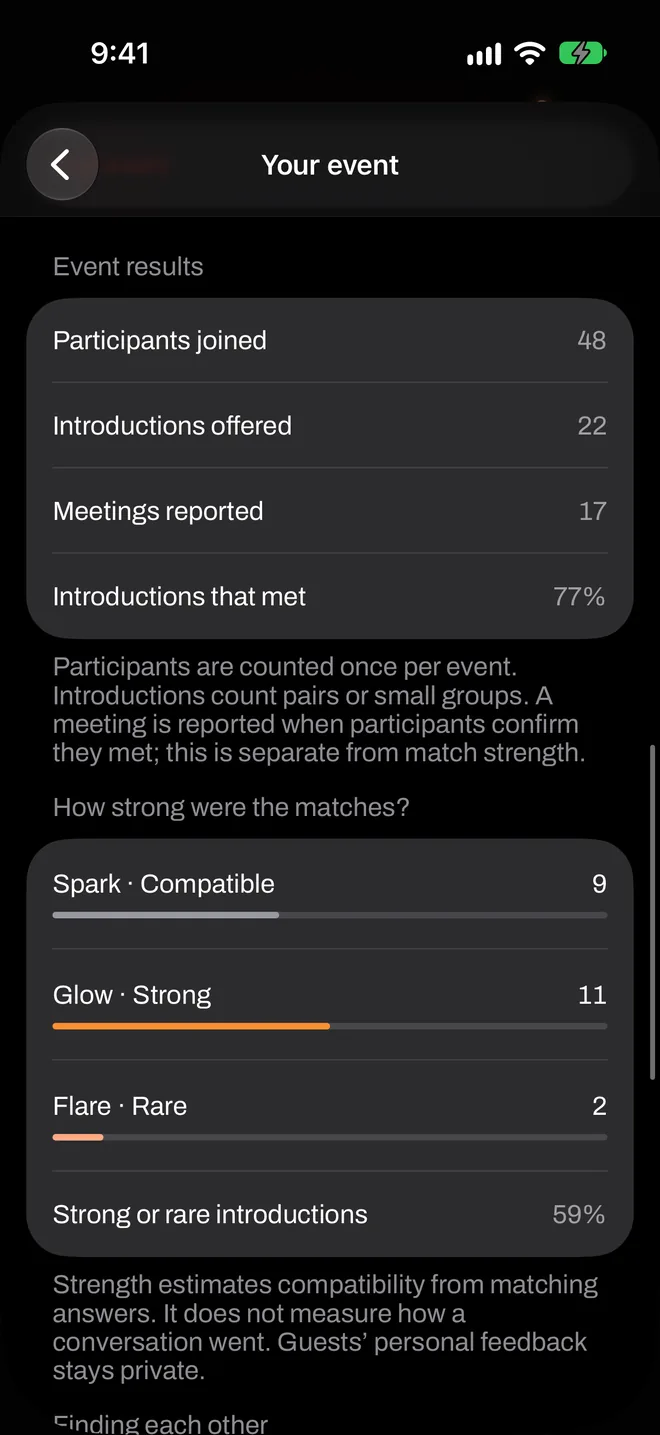
Real screens from the app, in the order they come up.
Is it right for your event?
It tends to suit
- Offsites and all-hands socials of up to 250
- Companies with remote teams meeting in person
- New hire cohorts and cross-team mixers
It’s probably not for
- Companies where staff carry mostly Android phones
- Mandatory activities: this works because people choose it
- Anyone hoping to report on who met whom: we don’t have that data
Pay once, for this event.
A team social of up to 50 costs $79.99, once. A full offsite of up to 250 costs $299.99.
No subscription and no per-match fee. Guests never pay.
What organizers ask.
Can leadership see who talked to whom?
Does it connect to our HR system or SSO?
Is it OK to run on personal phones?
Try it with ten people, for free.
A rehearsal is a real event. Round up some friends, run it once, and see how it feels before you put it in front of a room.