Open your profile
Tap the person icon at the top right of the home screen. You have a separate profile for each of Dating, Friends and Work, and you only need to fill in the ones you’ll use.
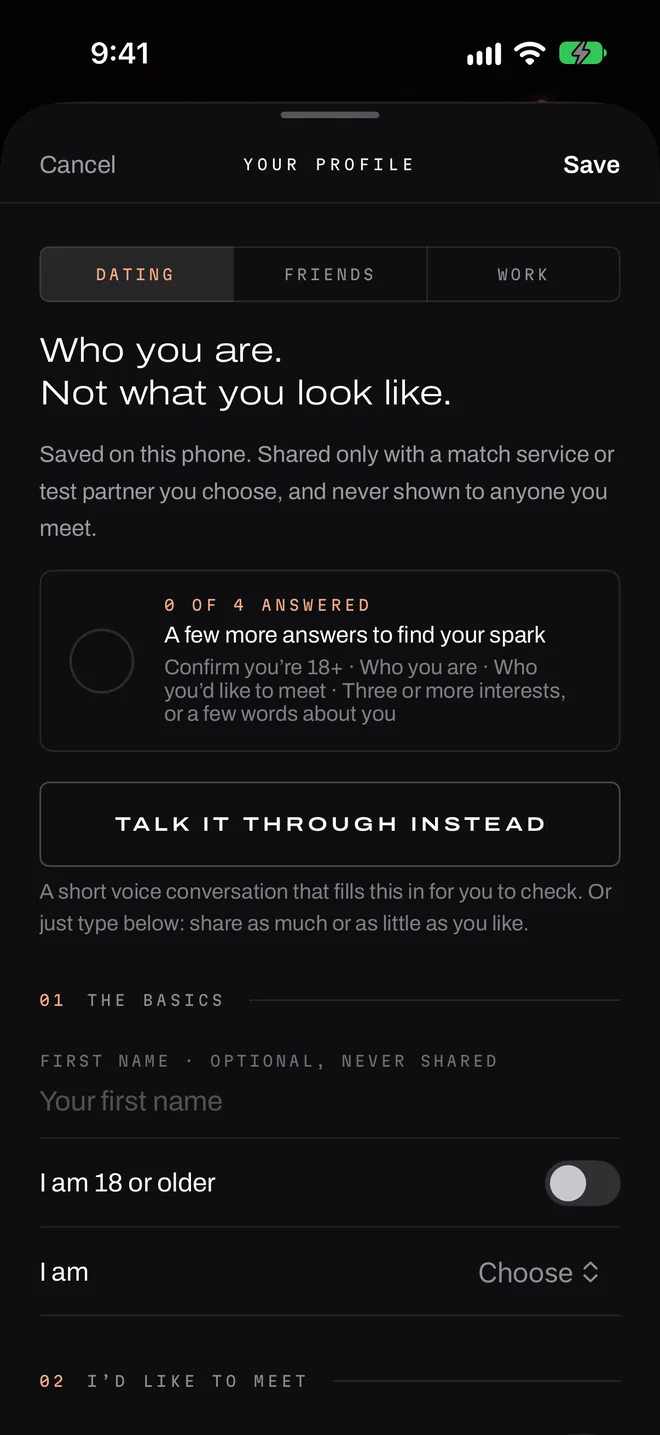
The basics
Your first name is optional. It stays on your phone and is never sent to our service. You confirm you’re 18 or older. For dating, you say who you are and who you’d like to meet. Nothing is preselected, and a match always has to work both ways.
In your own words
All of this is optional, but specifics make the best introductions: what you love, what you’d rather avoid, your dealbreakers, what you’re hoping to find, a dream you’re chasing. Nobody you meet ever sees it.
Links, emails, phone numbers and @handles are removed before matching, and you shouldn’t include anything that identifies you.
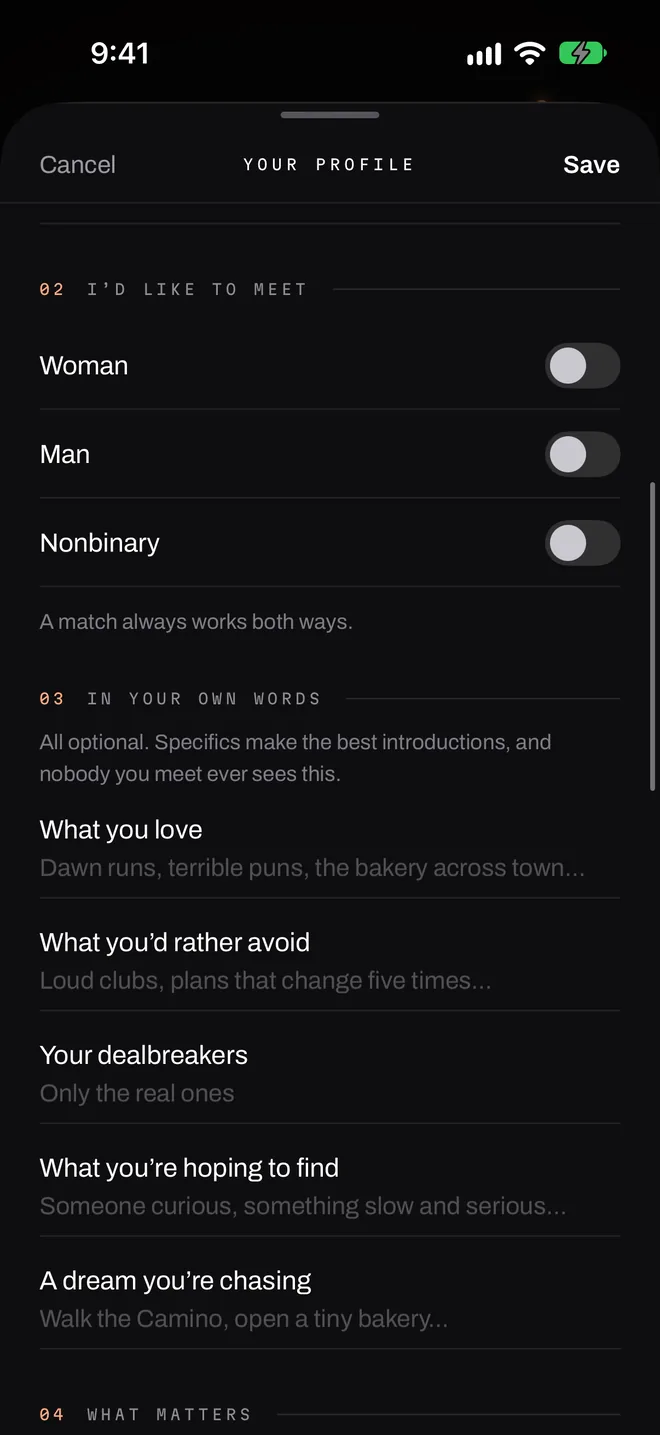
Or talk it through
If you’d rather not type, tap Talk it through instead for a short voice conversation that fills in draft answers for you to check. Nothing goes on your profile until you’ve reviewed it and tapped Save.
Your voice and what you say go to OpenAI to hold the conversation and write the draft. Here’s how that works. It’s entirely optional.
Event questions are separate
Some hosts write their own questions. Your answers to those are for that event only, and they never change your profile.
Who sees what
| Your answers | Your first name | |
|---|---|---|
| People you meet | Never | Never, unless you tell them |
| The event’s host | Never. They see totals. | Never |
| Flare’s service | During the event only, deleted after | Never |
Changing or deleting it
Edit your profile at any time. Each profile has its own delete button, and Delete everything in Settings removes all of it.