The controls
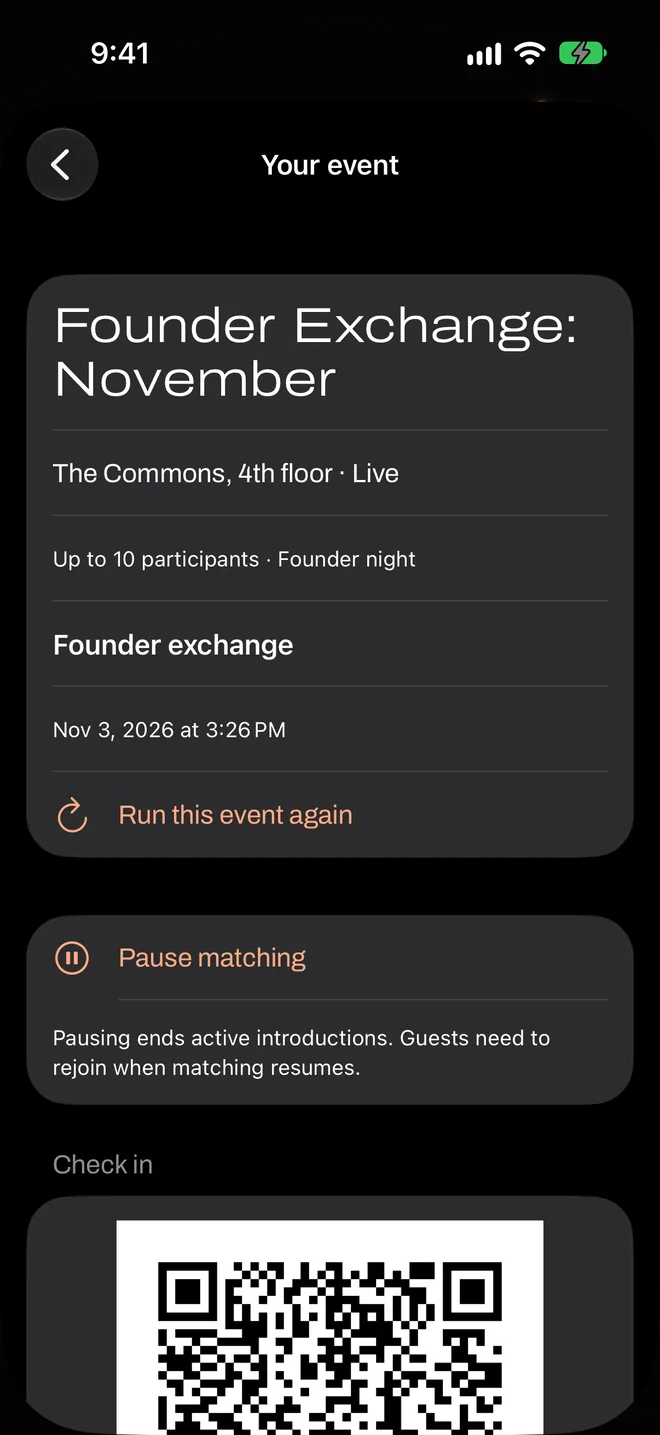
| Control | What it does | When to use it |
|---|---|---|
| Pause matching | Stops matching and ends active introductions. Guests need to rejoin when matching resumes. | Rarely. A big announcement or a safety problem. It disrupts pairs who are mid-introduction. |
| Go live | Starts matching, or resumes it after a pause. | Doors open, or the speech is over. |
| Present live code | Shows the rotating code full screen. | Whenever people are arriving. |
| Share invitation / Share QR poster | Sends the event’s page, or a printable image of its QR. | For people who are on their way. |
| End event | Ends every match and deletes guests’ answers. Guests can’t rejoin. | The end of the night. You can’t undo it. |
Live counts
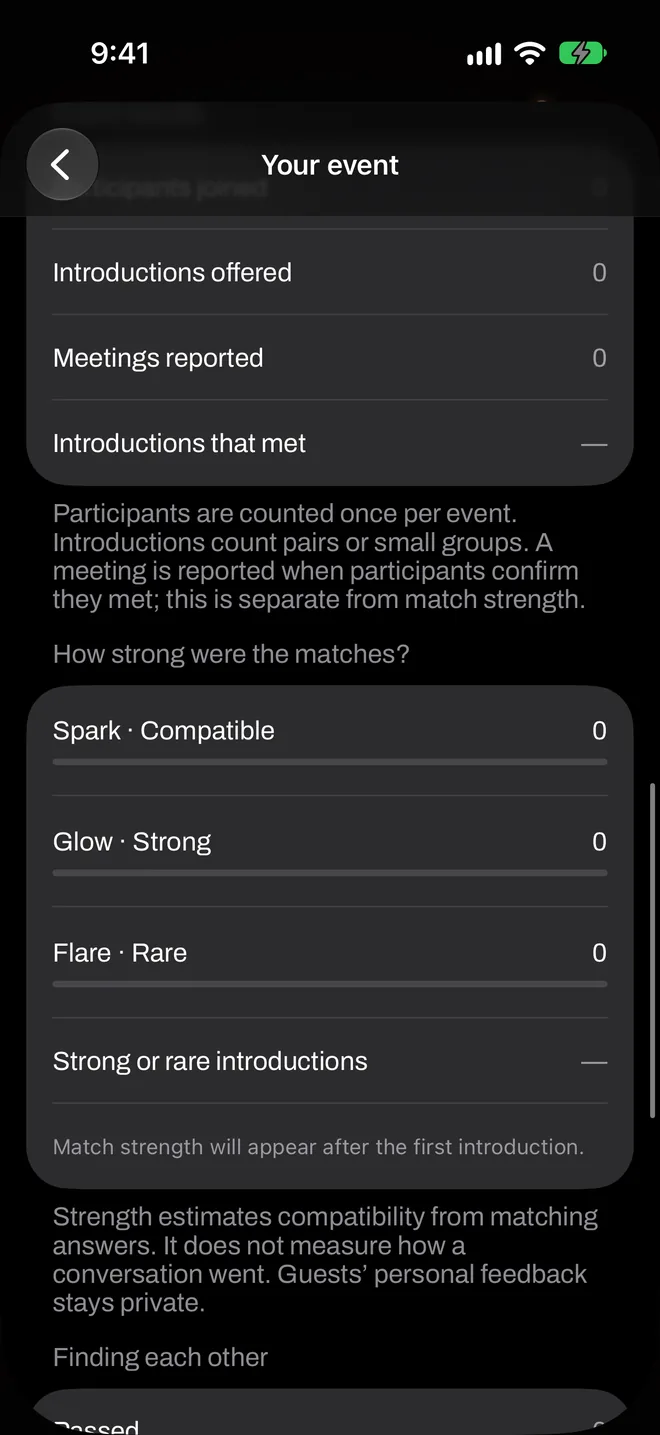
Under In the room now you’ll see Here now, Waiting and Currently matched. A lot of people waiting for a long time usually means your room is thin or preferences don’t overlap. If so, say something to the room rather than waiting for the app to fix it. Encourage people to talk while they wait, and to choose Okay if they set a higher match level.
Timing of introductions
After an introduction, each guest’s flare rests so they have time to talk. It rests for 45 minutes at dating events, 30 at friends events and 15 at work events, counted from when the match was made. If they couldn’t find each other, or time ran out, the rest is refunded. Someone who clears a match rests for about two minutes, and the other person’s rest is refunded. Matches that nobody confirms end after 10 minutes.
That’s worth planning around. In a two-hour dating event, a guest may get two or three introductions. In a two-hour work event, it could be more.
Safety reports
Reports appear under Safety reports on your event screen, with a category and time. You never see who sent one.
- Remove participant when a report needs action. That person is taken out of your event.
- Dismiss report when it doesn’t.
Anyone with two or more open reports is paused from matching until you act, so check this screen regularly. Reports also go to us. If someone’s in danger, go to venue staff or call emergency services first. More on safety.
Ending well
Give people a warning before the end, because End event stops everything at once. Everyone’s answers are deleted and active lights go out. Your totals stay in the event under Event results.